
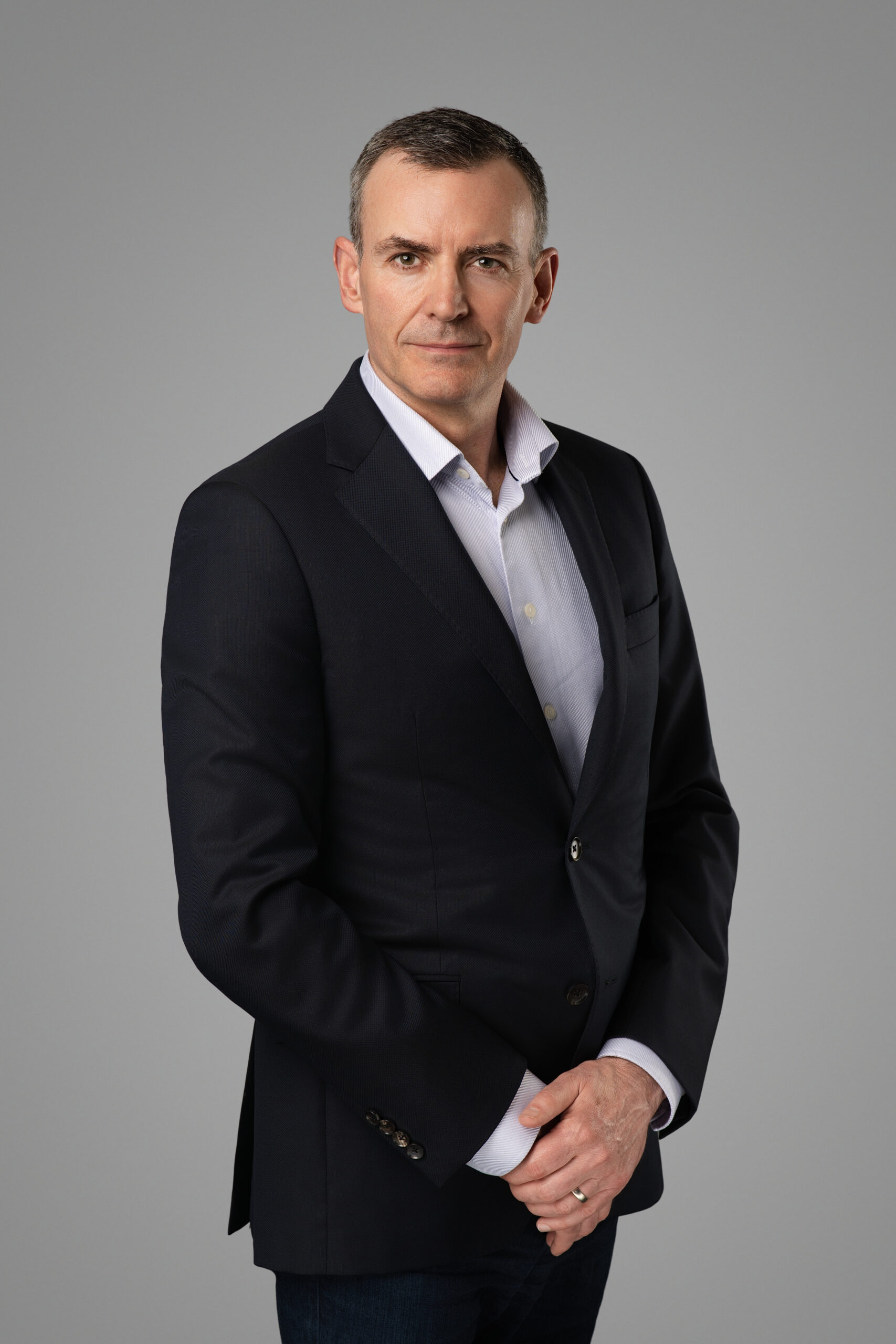
A LinkedIn photoshoot is a session planned around one specific constraint: the platform crops your photo to a circle and then shows it, most of the time, at about the size of a fingernail on somebody’s phone.
That single fact settles most of the decisions. Tight framing beats a flattering full-length. A plain background beats an interesting one. A clear, readable expression beats a subtle one. Detail that looks good on a 27-inch monitor mostly disappears.
Here is what to plan for: the crop, the banner, what to wear, how the photo behaves in recruiter searches, and when to redo it.
The crop LinkedIn actually shows
Your profile photo is displayed as a circle. The corners of your rectangular file are discarded, so anything you were relying on at the edges of the frame — a shoulder line, a hand, a bit of scenery — is gone.
It is also small almost everywhere it appears. On your own profile page it is reasonably large; in the feed, in search results, in a message thread, it is tiny. Optimize for the small version, because that is what most people see.
In practice that means:
- Frame tight. Roughly mid-chest to just above the head. Your face should fill a good share of the circle. A three-quarter body shot turns into an unidentifiable smudge at small sizes.
- Keep your head near the centre and slightly above middle. Faces placed low in the frame get clipped at the chin by the circular mask.
- Watch the edges. An arm crossing the corner of the frame reads fine as a rectangle and becomes a stray shape once the circle is applied.
- Look at the camera. Eye contact carries at small sizes when almost nothing else does.
Ask your photographer for a square, circle-safe export alongside the standard file. It takes thirty seconds at the end of a session and removes the risk of the platform cropping in a way you did not intend.
Backgrounds that survive the circle
Busy backgrounds fail here more than anywhere else. Shrunk to a circle, a bookshelf, a brick wall or a street scene turns into visual noise that competes with your face for the few pixels available.
Plain wins. A mid-grey seamless reads as neutral, sits behind a navy suit without fighting it, and works on both the light and dark versions of the LinkedIn interface. White reads clean and modern but can bleach out against the platform’s white cards, so it needs a hint of separation. Soft, out-of-focus office depth is the most complex background that still holds up small — and only if the tones behind you are darker or lighter than your hair, not the same.
One thing people miss: your photo sits next to your banner and your company logo. A background that clashes with your brand colours looks wrong in that stack even when the portrait itself is good.
Shoot the banner at the same time
The banner — LinkedIn calls it the background photo — is the widest piece of visual real estate on your profile and the most commonly wasted. Most people leave the default blue-grey texture in place.
LinkedIn recommends 1,584 x 396 pixels, a 4:1 ratio, with a file size limit of 8 MB. Two practical points about that shape:
- Your profile photo overlaps the lower-left area of the banner on desktop, so keep that corner clear of anything important.
- Mobile crops the banner more aggressively than desktop. Keep the essential content in the middle band and treat the outer thirds as expendable.
Good options, in order of how often they work: a wide environmental frame of your workplace, a city or office scene with room for text, or a clean graphic carrying your firm’s name and one line about what you do. A wide shot from the same session costs nothing extra to capture.
What to wear for LinkedIn versus a print headshot
The two are not the same brief, and this is where people get caught.
A print headshot — for an annual report, a conference program, a proposal cover — is reproduced large. Texture reads. A subtle check, a fine knit, a patterned tie all add interest at that size.
A LinkedIn photo is reproduced small. The same details either vanish or turn into visual static. For LinkedIn specifically:
- Solid colours over patterns. Fine stripes and small checks can shimmer on camera and muddle at small sizes.
- Mid to darker tones against a light background, so your outline stays distinct in the circle.
- Necklines that read clearly. A crew neck, an open collar and a suit lapel each say something different, and at circle size the neckline is one of the only wardrobe cues that survives.
- Keep jewellery modest. Anything that catches light becomes a bright dot pulling the eye away from your face.
Bring both if you are shooting once for both purposes: one solid, LinkedIn-friendly option and one with more texture for print. We send wardrobe and background guidance before every session for exactly this reason, and we shoot tethered, so you can see on a large screen which shirt is working before you commit the session to it.
How the photo interacts with recruiter search
Your photo does not change where you rank in a search. What it changes is what happens once you appear.
A recruiter running a search gets a list of near-identical rows: small round photo, name, headline, location. They are scanning to decide who to open. A blank grey avatar, a photo too dark to read, or an image so wide your face is a dot all make you easier to skip — not because of any algorithm, but because the row gives them nothing to hold on to.
Two things follow from that. First, contrast matters: a face that separates cleanly from its background is legible in a list where a low-contrast one is not. Second, your photo should match how you will look at an interview. Recruiters build an expectation from that thumbnail, and a mismatch is a small, avoidable friction.
The same logic applies to anyone who finds your firm’s team page and then looks you up. Consistency between the two beats having two different good photos.
File specs worth knowing
- Profile photo: LinkedIn recommends at least 400 x 400 pixels and accepts files up to 8 MB. Square is the safe aspect ratio.
- Background photo: 1,584 x 396 pixels, up to 8 MB.
- Format: JPG or PNG. JPG is fine for portraits; there is no benefit to PNG here.
- Upload the largest sensible version. LinkedIn compresses on upload, and compressing an already-compressed export makes edges mushy.
Retouching should be light. Stray hairs, a temporary blemish and harsh under-eye shadows are fair game. Reshaped features and airbrushed skin are not — they read as fake at large sizes and set up a mismatch the first time you meet someone.
How often to update
Every two to three years is a reasonable default, and sooner when any of these happen:
- Your appearance changes noticeably — a beard, a substantially different haircut, glasses.
- You change roles or sectors and the register of the photo no longer fits the work.
- You start speaking, publishing or job-hunting, where the photo gets seen far more often.
- You look at it and hesitate before saying it looks like you now.
There is no advantage in updating more often. Recognition is built by repetition, and swapping your photo every few months quietly undoes it.
Frequently asked questions
Can I use the same photo for LinkedIn and my company website?
Yes, and you generally should. One recognizable image across your profile, your firm’s team page and your email signature is more effective than three good but different ones. Just make sure the version on LinkedIn is cropped tighter, since the circle is much less forgiving than a rectangular team-page grid.
Should I smile?
Something in the middle usually works best: a genuine, relaxed expression with the eyes engaged. A full open smile suits client-facing and sales roles; a composed expression suits law, finance and medicine. The one to avoid is the tense half-smile that appears when someone is told to smile on cue.
Is a phone photo good enough?
A phone in good window light, shot by someone else at a sensible distance, beats a bad studio photo. What it cannot easily do is separate you cleanly from a plain background and hold shadow detail — exactly what keeps an image legible when it shrinks to a circle.
What does a LinkedIn photoshoot cost in Vancouver?
Individual sessions start from $350 CAD, with retouched files delivered within 48 hours and full commercial usage rights included. Our session pricing covers individual, team and half-day options.
If your current profile photo is a cropped group shot or a snapshot from four years ago, an hour fixes it for the next two or three years. Have a look at our LinkedIn headshot sessions in downtown Vancouver, or book a session and we will sort the banner at the same time.
